 SwiftyEx
Sell Crypto
Sell your crypto for Naira and withdraw to your bank. The calculator shows what you will receive before you trade.
Get the app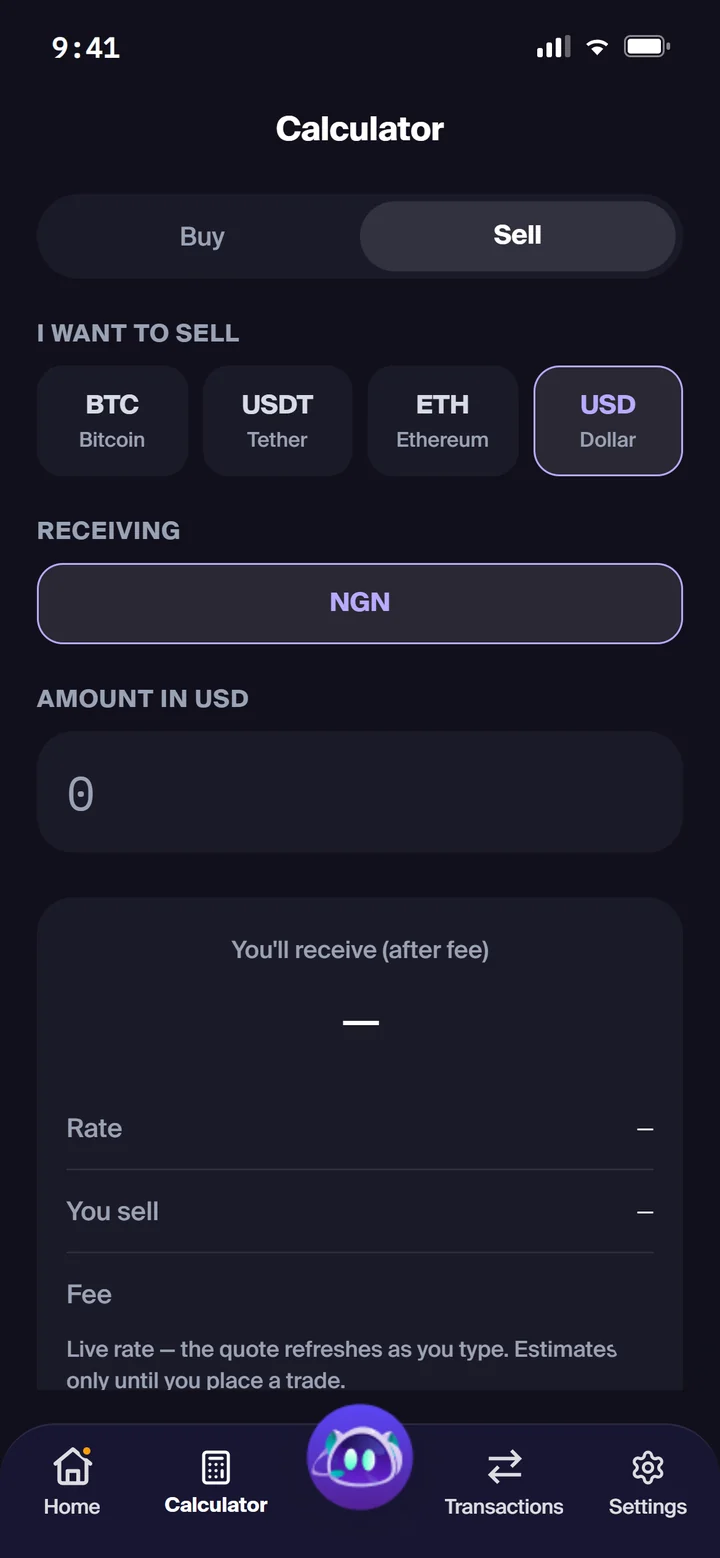
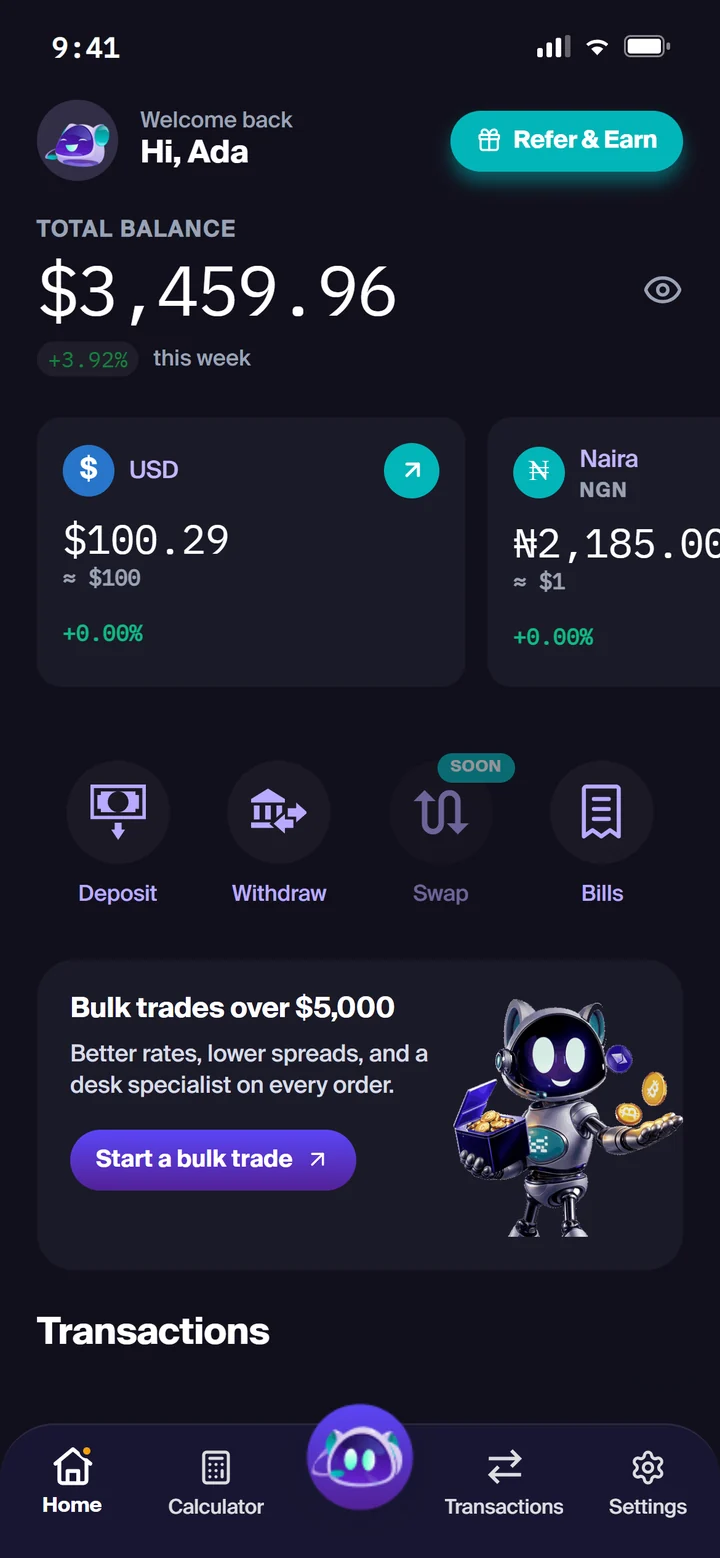
Buy, sell and send crypto, cash out to your bank and pay your bills, all from one app.
Sell your crypto for Naira and withdraw to your bank. The calculator shows what you will receive before you trade.
Get the appSend Naira to your personal account number, then buy Bitcoin, Ethereum or USDT at the live rate.
Get the app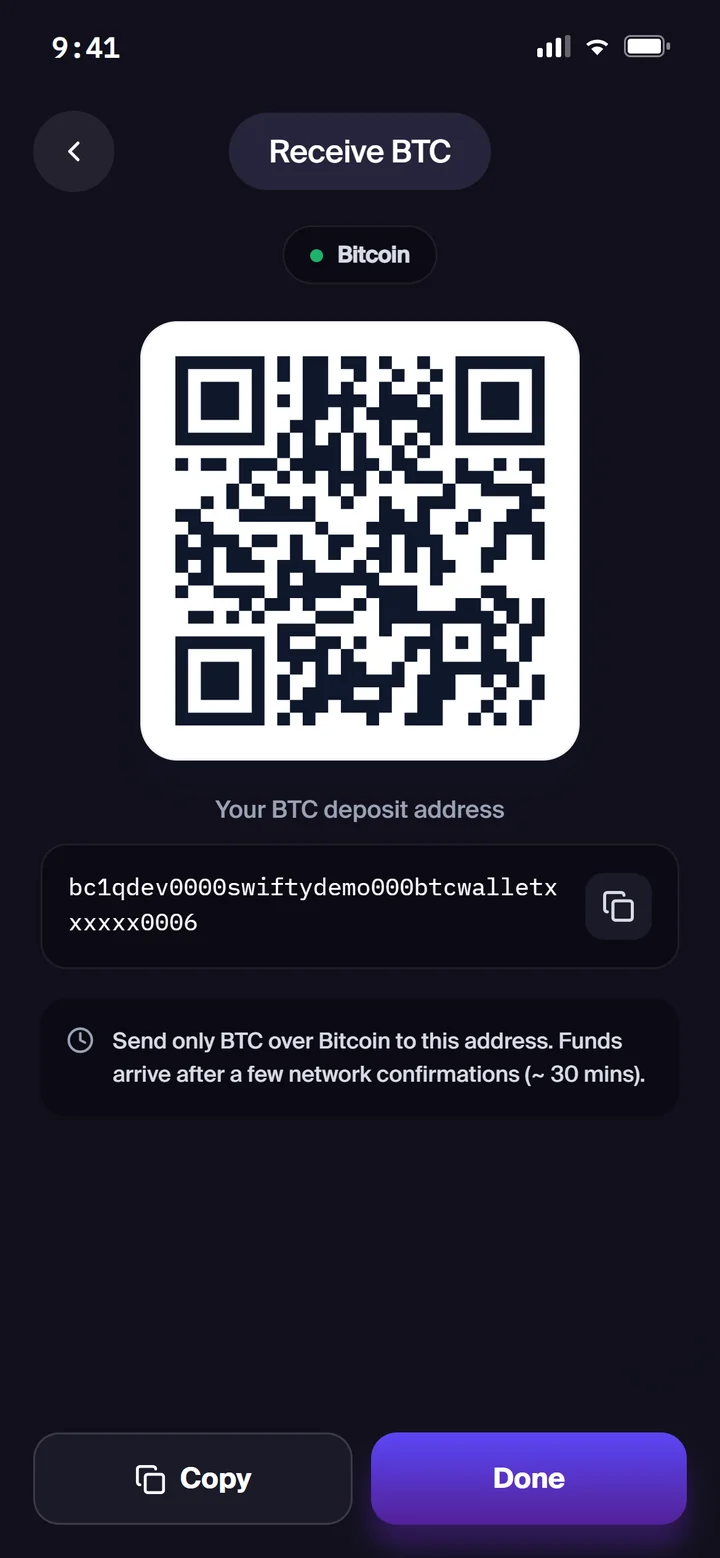
Deposit any listed coin and get dollars. Convert to Naira, or send dollars out as any listed coin.
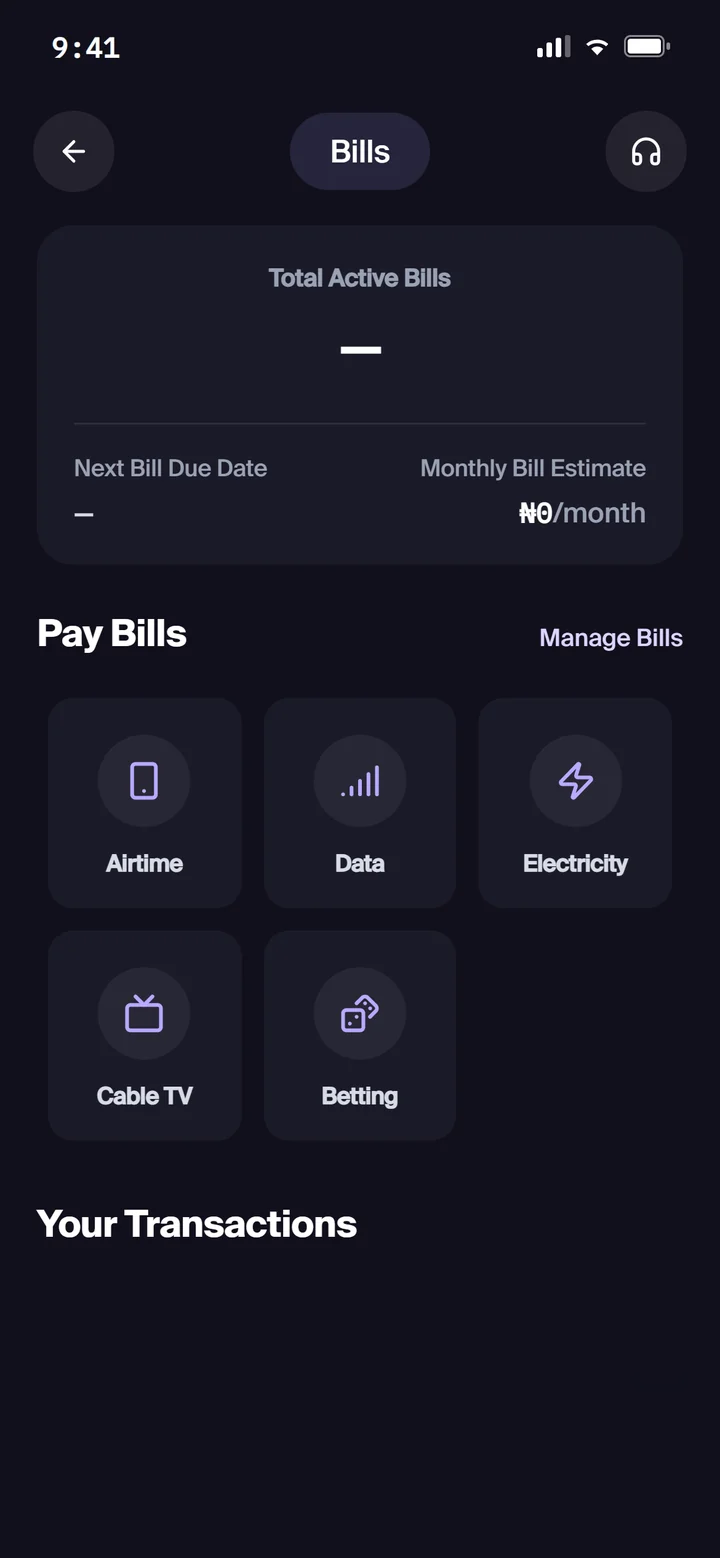
Get the appAirtime, data, electricity, cable TV and betting. Set a bill to repeat weekly, monthly, quarterly or yearly.
Get the appInvite your friends and earn 25% of their trade fees for 12 months after they join.
Get the app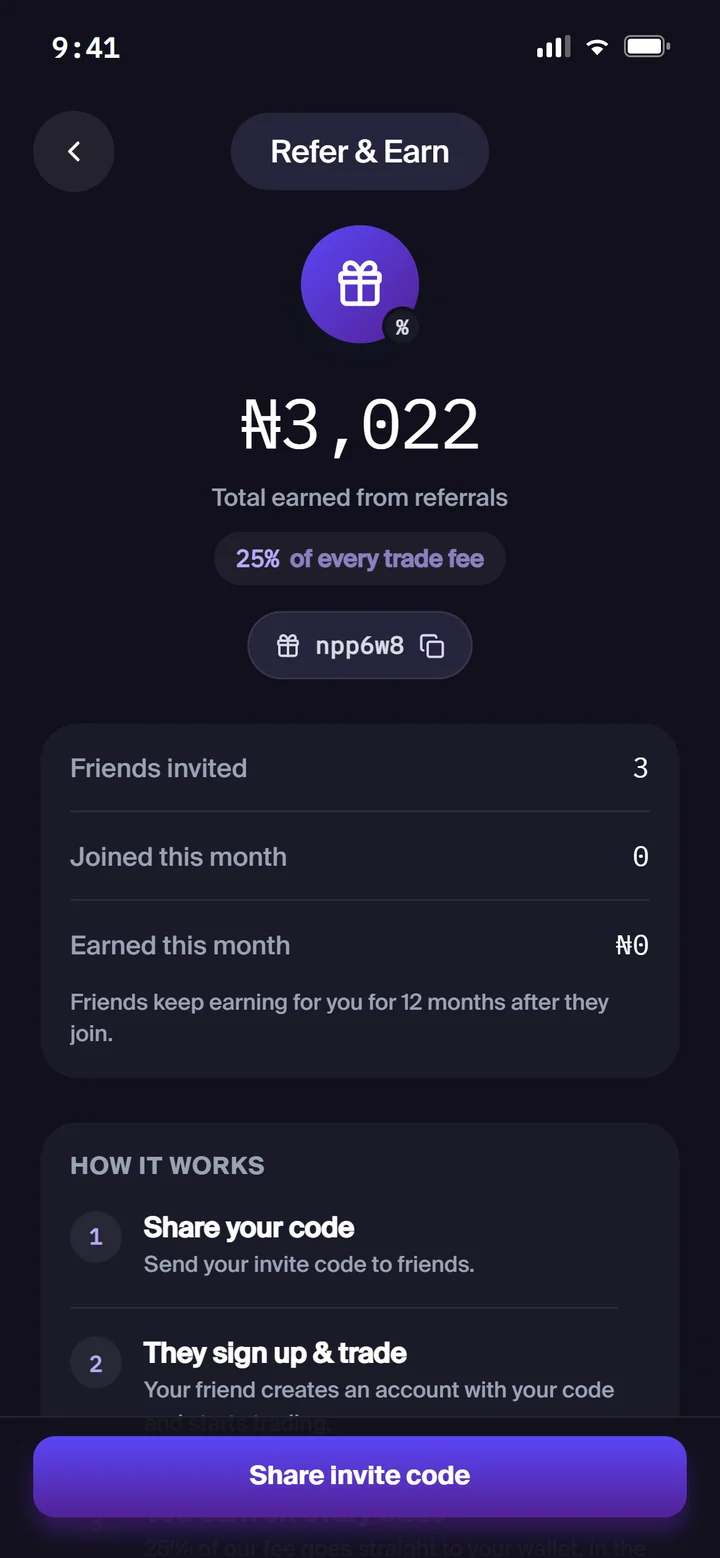
Start a bulk trade from the app.
Screens show a sample account.
Open the app with your face or fingerprint.
Confirm money movements with your 4-digit PIN.
A new device needs a code sent to your email or WhatsApp. You can remove devices at any time.
Your exact rate and fee appear before you confirm a trade.
Download SwiftyEx and sign up with your details.
Add your BVN and take a selfie to unlock Naira deposits. Add your NIN and address for higher limits.
Generate your account number, send a bank transfer and start trading.
SwiftyEx is available on the App Store for iPhone and on Google Play for Android.
You can hold, buy and sell Bitcoin, Ethereum on ERC-20 and USDT on TRC-20, plus Naira and USD. Your USD wallet covers many more coins. Deposit any listed coin to get dollars, convert those dollars to Naira, or send dollars out as any listed coin. You see the full list when you deposit or send.
Buying and selling crypto costs 2%. A Naira withdrawal costs ₦50 and sending USDT costs 1 USDT. You see the fee before you confirm.
Complete Level 1 verification, generate your personal account number and send a bank transfer to it. You can also deposit crypto.
Swap is coming soon.
Tap the centre button on the bottom bar to reach us on WhatsApp, or email support@swiftyxbot.com.